
v0.1.8
Menu
Download

RuForge

A lightweight, local-first media collector. Streamlined yt-dlp downloading and fine-tuned offline playback with SponsorBlock, chapters, and custom subtitles.

YouTube Downloader
yt-dlp Engine
SponsorBlock API
Tauri v2 Shell
Rust Core
React 19 Core
FFmpeg Processing
Zustand State Store

What you actually get

Everything streaming won’t give you.
Your files, offline, no strings attached.

Downloader

Paste a link and walk away.
Playlists, formats, stall watchdog, all of it.

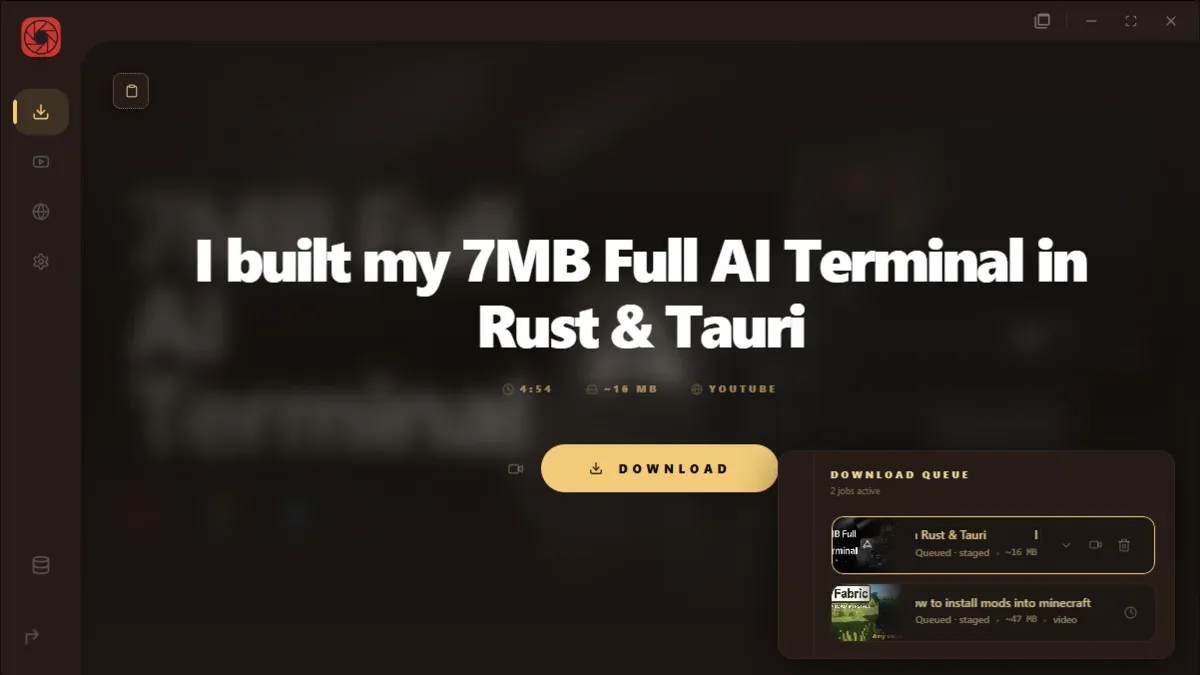
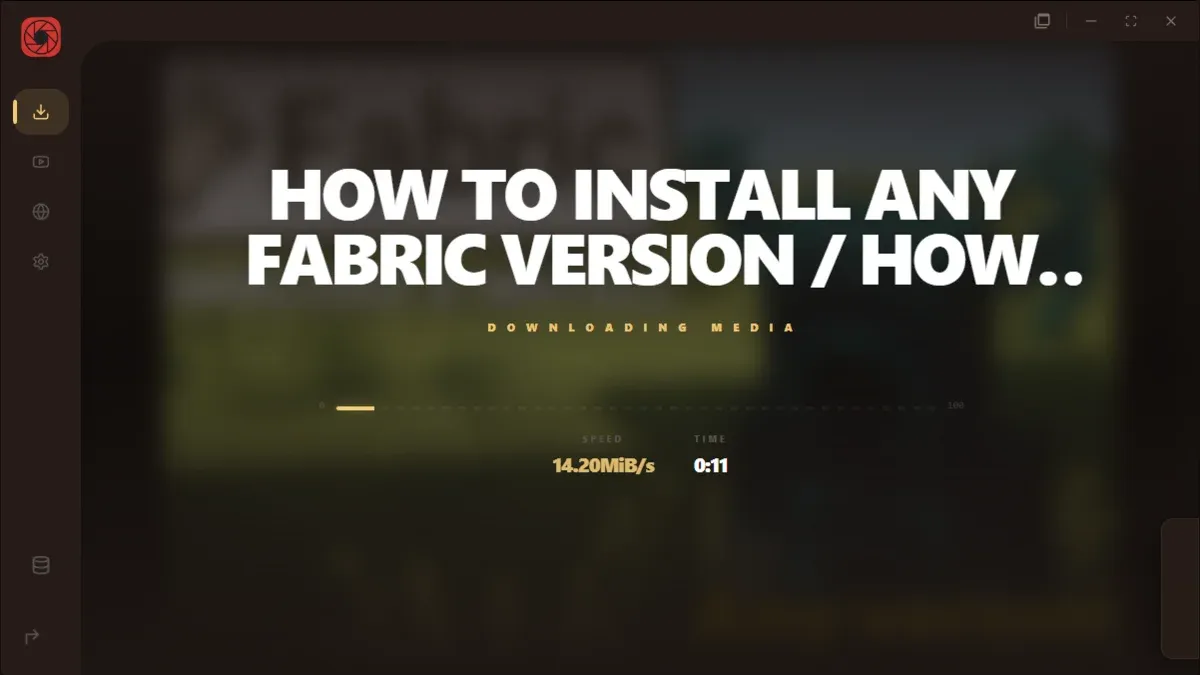
Queue lives in a corner drawer with thumbnails that crossfade as jobs move. If something hangs too long, RuForge kills it and tells you why. Playlists land in their own numbered folder. Flip audio-only and the size preview is actually audio size, not a full video file playing dress-up.

  • yt-dlp stays current; Windows installer is signed
  • Tells you when the file is already in your library
  • Pause, resume, reorder, or replace a job in place
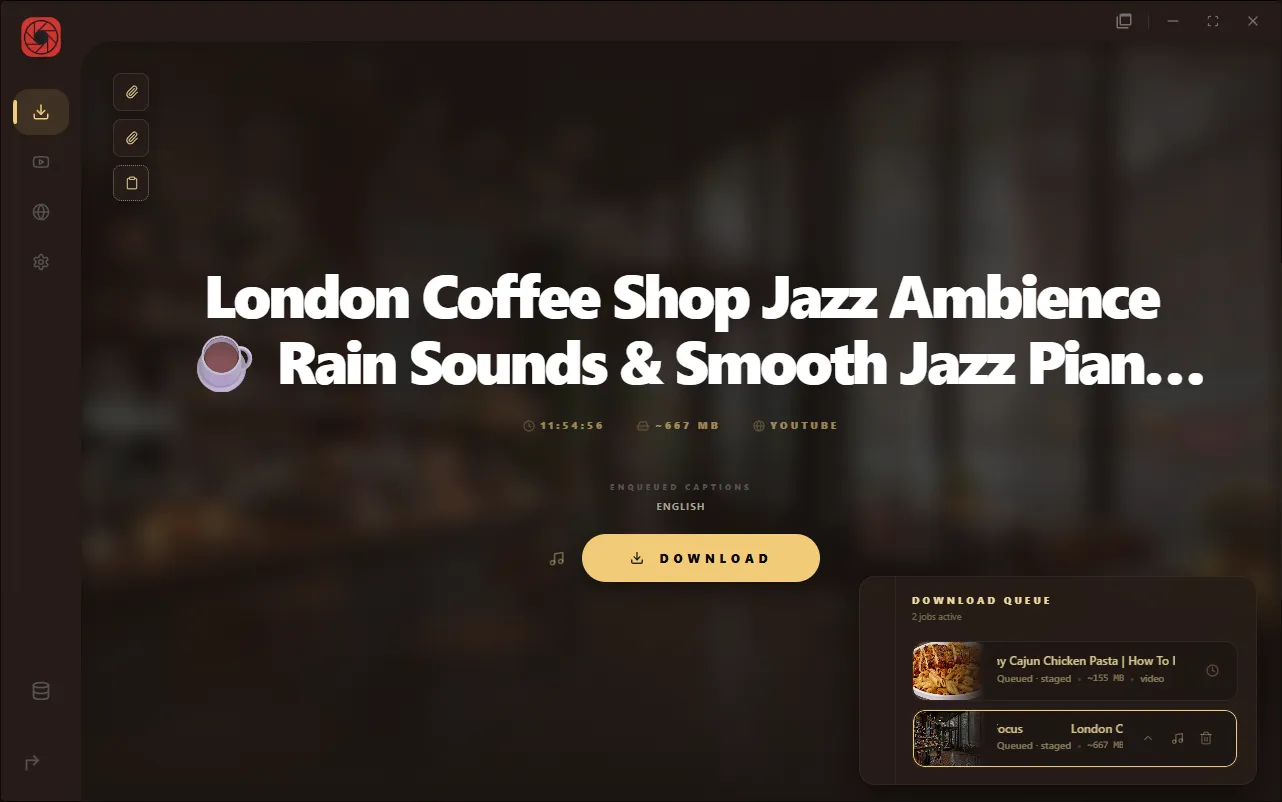
RuForge downloader with floating queue drawer

Audio-only

Audio that isn’t a video in disguise.
Player stays alive when there’s no picture.

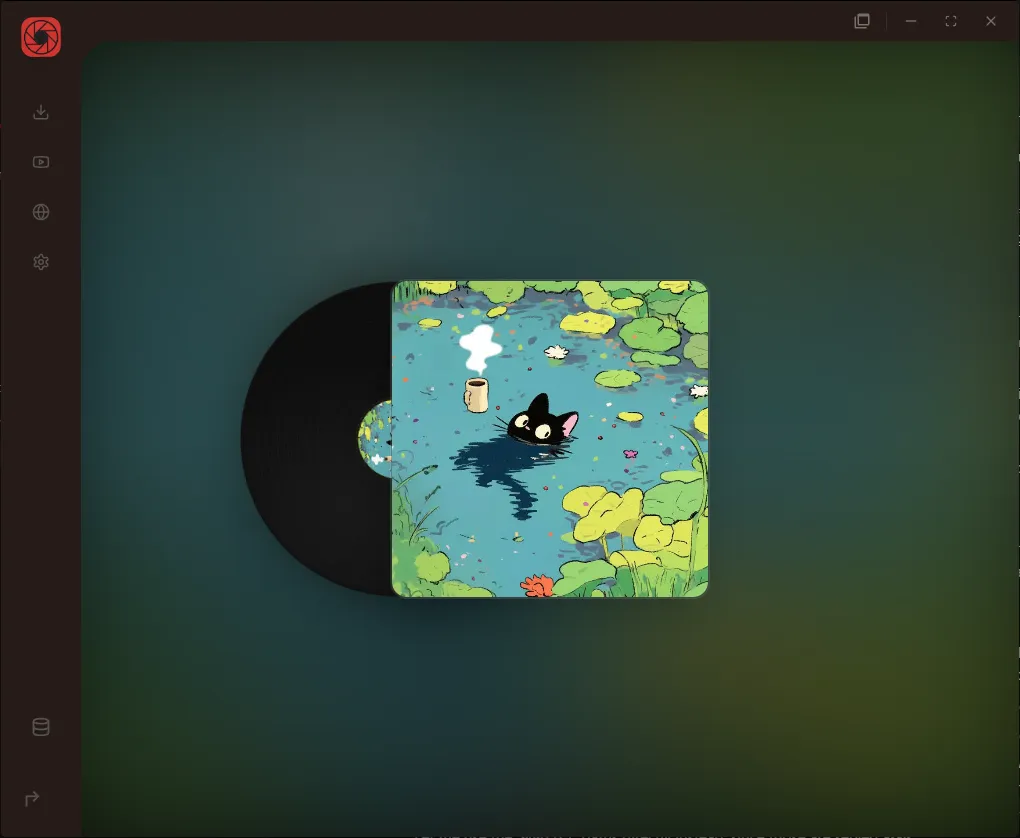
Turn on audio-only and you get a real m4a, not a giant video stream squeezed into an audio file. Playback shows a full LED equalizer on the cover instead of a dead black box. Side waveforms move with the music while it plays.

  • m4a extraction, not a full video re-encoded as audio
  • 90-bar LED visualizer wired to Web Audio
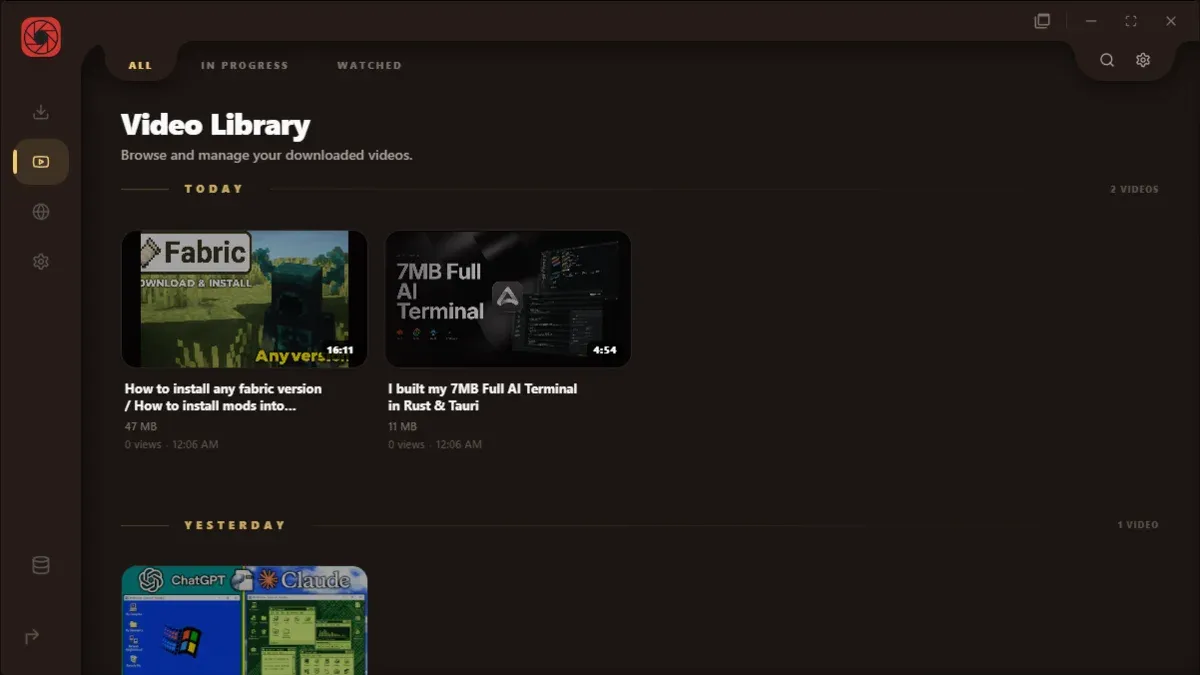
  • Library cards keep cover art on hover
RuForge audio-only player with LED equalizer hero

Chapters

Scrub by chapter, not by guesswork.
Hover a segment and see the frame.

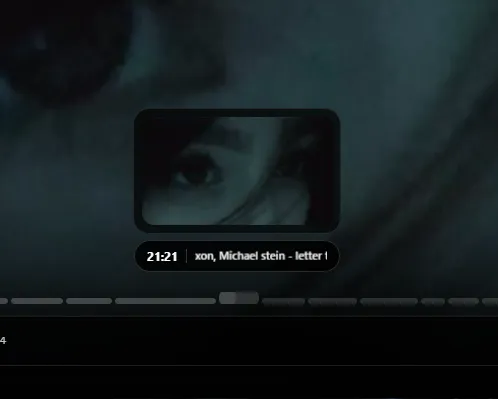
Chapters from the yt-dlp sidecar become their own scrub pills. Hover one and you get a preview pulled from the sprite sheet ffmpeg built when you downloaded. Jump with prev/next, or Shift+arrow if you are in a hurry.

  • Sprite sheets on download (off in Settings if you want)
  • Long chapter titles scroll instead of clipping
  • Chapter data lives in the sidecar, no extra API calls
RuForge player chapter scrubber with hover preview

SponsorBlock

Sponsor chunks skip on files you already own.
Not just in a browser tab.

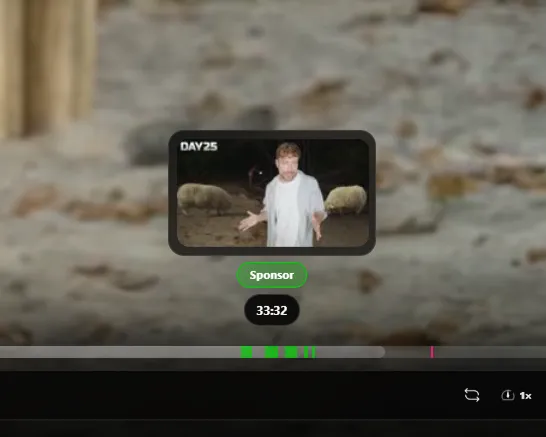
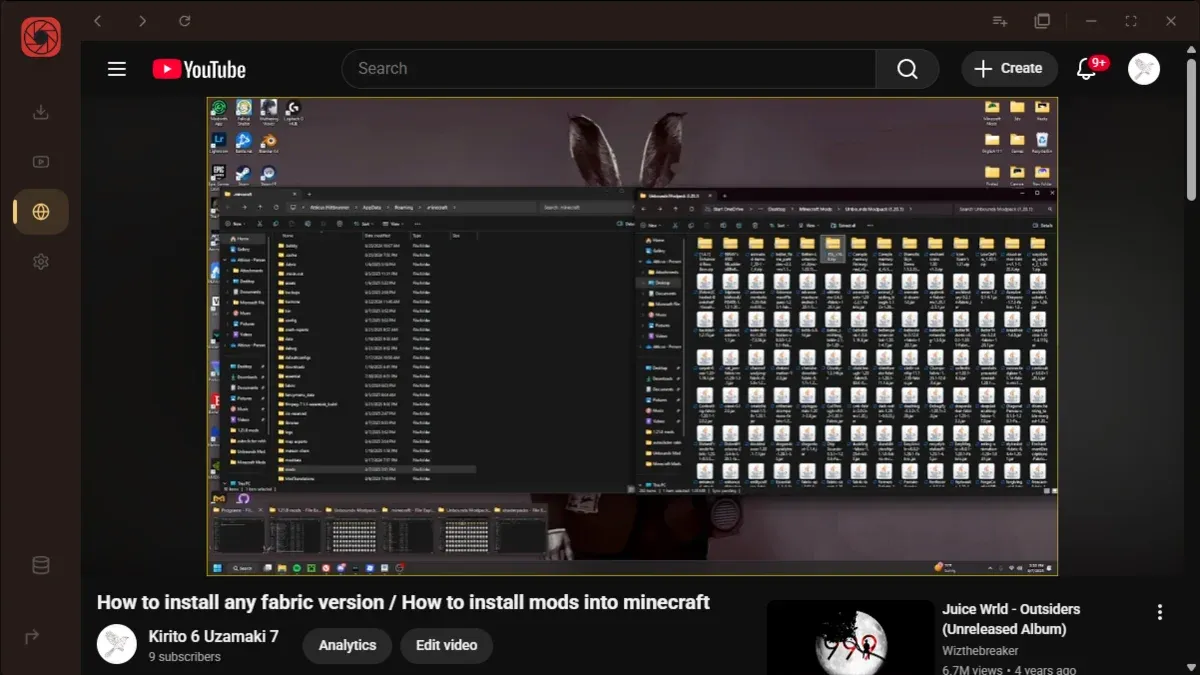
First play pulls segments and saves a sidecar next to the video. Intros, self-promo, music tangents, the usual categories. It learns what you skip versus what you sit through.

  • Scrub bar colors match each segment type
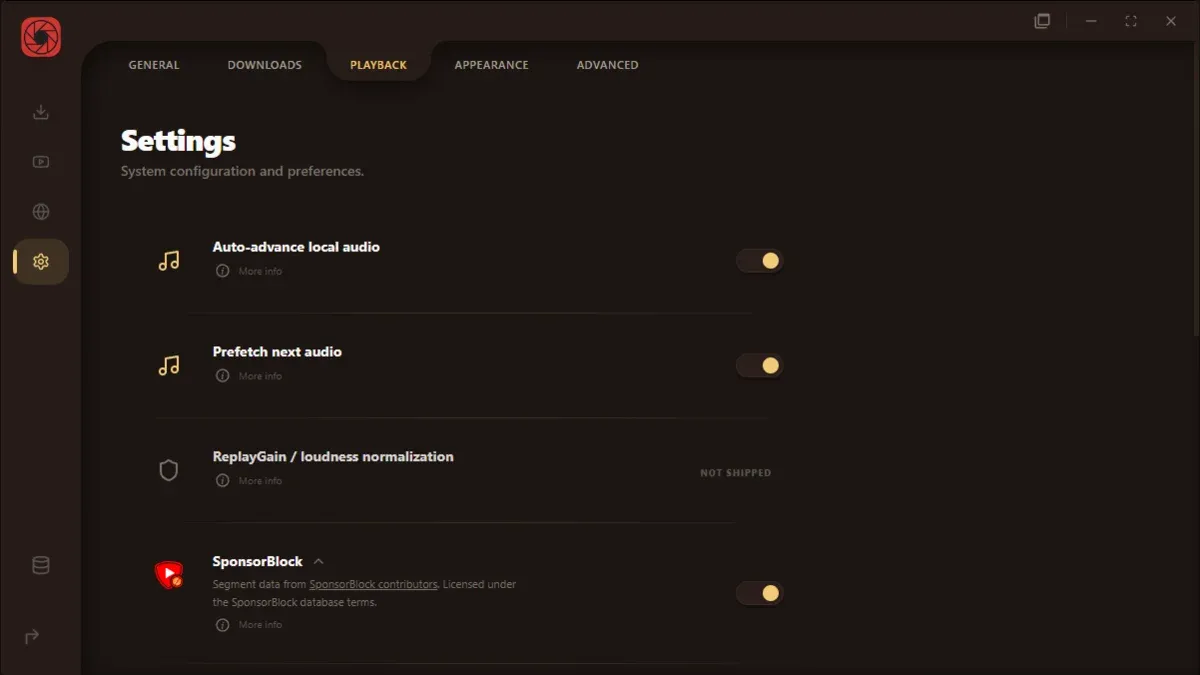
  • On by default; tune categories in Settings
  • Works offline after the first fetch
RuForge player with SponsorBlock scrub overlay

People who use it

honestly i just wanted one app for grabbing videos and watching later without a browser tab graveyardruforge does that

Angel uses it daily

sponsorblock jumped a segment while i was making dinner and i did not expect to care but i did

Susie playback

library stays on disk. no account no sync drama that was kinda the whole point

Angel local library

queued like six baking videos at once and the little card just sat there judging me. worth it

Susie uses it daily

chapters on the scrub bar look stupidly fancy for something i built in my room but ok

Angel player

replaced a file in library without redownloading the whole channelfelt like cheating

Susie library

settings sponsorblock tree is nested chaos but at least its all in one place

Angel settings person

watched the same pasta tutorial four times. nobody on the internet knows. perfect

Susie repeat viewer

auto preview sprites for downloads are nice when im picking what to delete later

Angel downloads

if this ever asks me to make an account im uninstalling (joking. mostly.)

Susie local files fan
Always-on media freedom

Designed for speed.
Engineered for local privacy.

RuForge compiles direct Rust bindings with Tauri to deliver near-zero overhead. Your downloads run concurrently, SponsorBlock filters on the fly, and your library indexing is entirely local. No trackers, no accounts, no subscriptions.