Settings
General appearance and paths, download controls with yt-dlp auto-update, playback preferences with SponsorBlock tree, and advanced update/debugging tools.
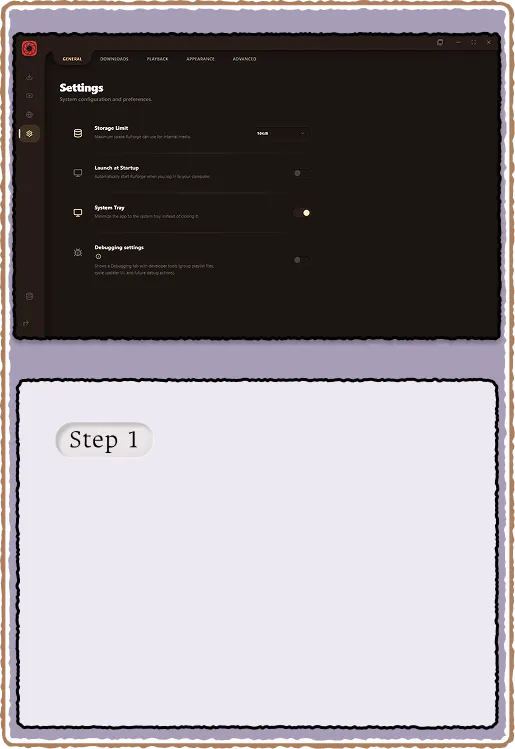
General and appearance
The General tab controls theme, accent color, and library paths. Default download path and internal data path are set here. A toggle at the bottom reveals the Debugging tab for power-user tools like playlist regroup and updater cycle.
- Accent color picker (used across UI highlights and buttons)
- Output path: where downloads land by default
- Internal path: where sidecars, sprites, and SponsorBlock caches live
- Toggle "Show Debugging tab" to access regroup and updater tools
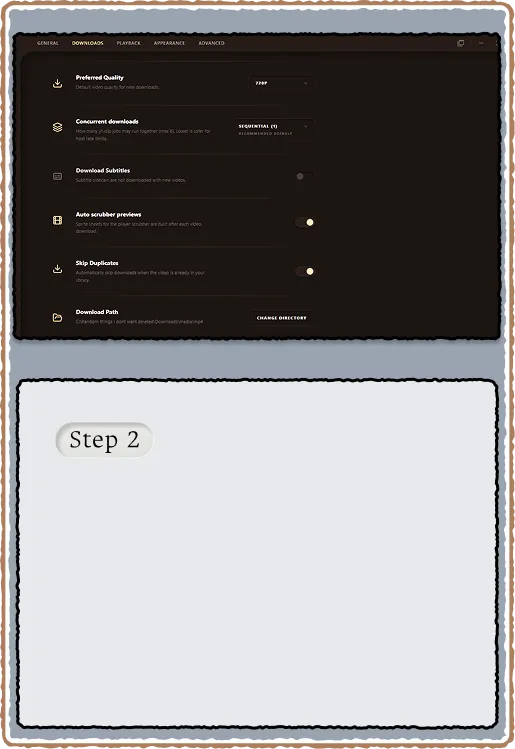
Downloads tab
Controls parallel job count, output folder overrides, and auto scrubber previews (ffmpeg sprite generation after download). The yt-dlp Check and Update button queries GitHub for the latest release and auto-installs a user-local copy if newer. When yt-dlp needs a JavaScript runtime, RuForge can install Deno from Settings and re-queue failed batch jobs after install.
- Auto scrubber previews: toggle ffmpeg sprite sheet generation on/off
- yt-dlp update: checks GitHub releases, downloads to user-local path
- Deno install button when yt-dlp reports no supported JS runtime
- Parallel jobs: how many downloads run concurrently (default 2)
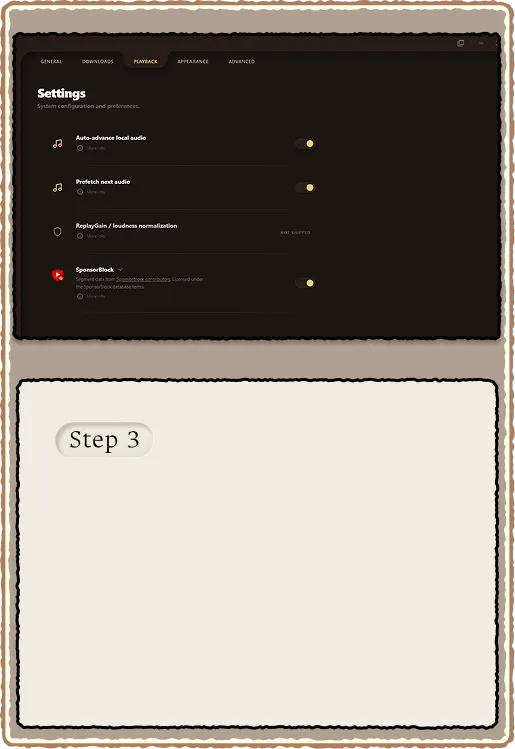
Playback and advanced
Playback tab holds auto-advance (next file in queue), SponsorBlock tree (master toggle plus per-category controls), and prefetch settings. Advanced tab has the app update checker that auto-downloads RuForge when a newer version is available via the updater endpoint.
- Auto-advance: play next in folder queue, then sorted library
- SponsorBlock settings tree: master, per-category skip/prompt/disable
- Advanced: Check for Updates button (compares against updater.json)
- Debugging: playlist regroup tool, cycle updater for testing